


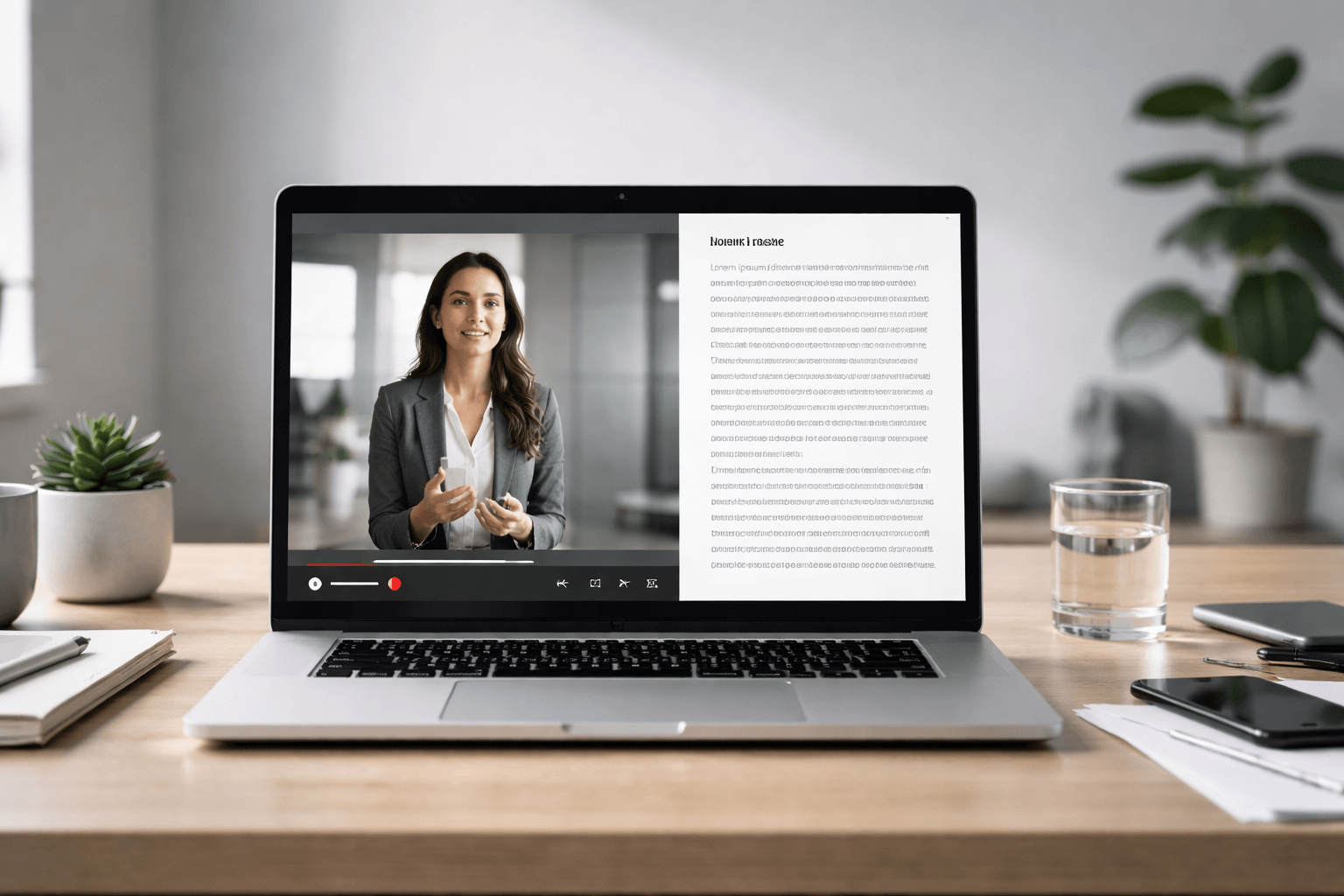
If you’re searching for how to transcribe a video, you probably need a clean transcript you can copy, edit, share, translate, caption, or submit as evidence. The good news: you don’t need expensive software to get started. The better news: if accuracy, confidentiality, or official acceptance matters, there are reliable paid options that remove the risk and the rework.
This guide shows five practical ways to turn video (or any recording) into text—plus the exact finishing steps that make a transcript actually useful.
Before You Start: Get a Better Transcript in 60 Seconds
A transcript is only as good as the audio. Do these quick fixes first:
- Pick the best source file (original recording beats a screen recording every time).
- Trim dead air at the start/end (most tools struggle with long silence).
- Separate speakers if possible (even a clap at the start helps align audio and text).
- Use headphones to spot issues (buzzing, echo, distant voices).
- If you control the recording: speak clearly, avoid talking over each other, and keep the mic close.
Quick definition:
A transcript is the written text of speech (and sometimes key sounds). Captions/subtitles are time-synced lines designed to display on screen.
Method 1: Use Built-In Transcripts (Fastest “Free” Option)
Best for: YouTube videos, meeting recordings, and platforms that already generate captions
Trade-off: Accuracy varies, and you may need to clean formatting and speaker labels
Many platforms generate transcripts automatically. If your video already has captions, you can often view (and sometimes export) the text in seconds.
When this works well
- Single speaker (tutorials, lectures)
- Minimal background noise
- Clear accents and consistent pacing
Where it fails
- Cross-talk (two people speaking at once)
- Heavy jargon (legal/medical/technical terms)
- Noisy environments (cafés, vehicles, events)
Make it usable:
Once you have the transcript text, run it through the “Clean-Up Checklist” later in this guide to fix punctuation, names, and structure.
Method 2: Transcribe by Dictation (Free, Surprisingly Effective)
Best for: Short clips, voice notes, quick drafts, or when you can play audio aloud
Trade-off: You’re “re-speaking” the audio into a typing tool, so it’s not fully automated
If you’re asking how to transcribe an audio file for free, this is the simplest workaround: play the recording on one device and dictate it into a voice-typing tool on another.
A clean setup (that actually works)
- Device A: plays the video/audio clearly (laptop/tablet)
- Device B: captures dictation (desktop browser, Word processor, etc.)
- Quiet room + consistent volume
Best use cases
- Voice memos
- Short interviews
- Lecture clips you want in rough text quickly
Why this method is underrated
- It can be faster than manual typing
- It produces readable punctuation if you speak it (for example: “comma”, “new line”, “full stop”)
If you’re wondering how do you transcribe without paying for software, dictation is the quickest “good enough” path for non-critical content.
Method 3: Use an AI Transcription Tool (Best Balance of Speed + Quality)
Best for: Most users who need fast results from video-to-text
Trade-off: You still need to proofread—especially names, numbers, and specialist terms
Dedicated AI transcription tools let you upload a video or audio file and export text in common formats.
What to look for in a tool
- Export formats: DOCX/TXT + caption formats (SRT/VTT)
- Speaker labels: at least “Speaker 1 / Speaker 2”
- Timestamps: optional, adjustable frequency
- Language support: your spoken language + accents
- Security: clear privacy controls, deletion options, NDA availability (if needed)
The workflow (works for video or audio)
- Export your video’s audio track (optional but speeds uploads)
- Upload the file to the transcription tool
- Choose language + speaker labeling
- Generate transcript
- Export to DOCX/TXT (and SRT/VTT if you need captions)
Pro tip: If you need a transcript to become captions later, generate timestamps from the start. Rebuilding timing after editing is painful.
Method 4: Manual Transcription (Most Accurate—But Only If Done Properly)
Best for: Very sensitive recordings, heavy jargon, or when you must control every word
Trade-off: Slow. Most people underestimate the time involved.
Manual transcription is simple in concept: listen, type, repeat. The challenge is speed and consistency.
A realistic manual workflow
- Use a player that supports:
- slow playback (0.75x is a sweet spot)
- quick rewind (5–10 seconds)
- hotkeys (pause/play without losing your place)
- Transcribe in passes:
- First pass: get the words down
- Second pass: correct terminology, names, numbers
- Third pass: formatting, readability, and timestamps
Manual transcript templates (copy/paste)
Interview (clean read):
- Interviewer: …
- Guest: …
- Interviewer: …
Verbatim (includes filler):
- Speaker 1: Um, I— I think the main point is…
- Speaker 2: Right, and— and we should also…
Timestamped (every 30–60 seconds):
- [00:01:12] Speaker 1: …
- [00:02:03] Speaker 2: …
Method 5: Professional Transcription (When “Good Enough” Isn’t Good Enough)

Best for: Legal, medical, academic, media production, disputes, HR, compliance, and official use
Trade-off: Paid—but you save hours, reduce risk, and get a transcript you can trust
If the transcript will be used for anything serious—court bundles, internal investigations, clinical notes, formal research, immigration/official submissions, or media publication—professional transcription is the smartest option.
What you get (and why it matters)
- Correct handling of names, numbers, jargon
- Optional speaker identification
- Optional time-stamps (editing, evidence referencing, audit trails)
- Choice of verbatim vs cleaned transcripts
- A clear confidentiality process
If you need a transcript that’s presentation-ready (or must stand up to scrutiny), use a specialist service like UK Certified Translation’s transcription services:
Fast next step: Upload your file and request a quote here:

Which Method Should You Choose? (Quick Decision Guide)
| Your goal | Best method | Why |
| Quick transcript for notes | Built-in transcript or AI tool | Fast and low effort |
| Transcribe a voice memo | AI tool or dictation | Easy upload + quick output |
| Captions/subtitles | AI tool exporting SRT/VTT | Timing is built in |
| Legal/official use | Professional transcription | Accuracy + defensibility |
| Heavy accents + cross-talk | Professional transcription | AI struggles most here |
| Sensitive content | Professional transcription or careful manual | Better control + confidentiality |

How to Transcribe Voice Memos and Voice Recordings
A common question is how do I transcribe a voice memo (or how to transcribe voice memos / how to transcribe voice recording). The fastest path is:
- Export the voice memo as an audio file (MP3/WAV/M4A)
- Upload it to an AI transcription tool or a professional transcription service
- Choose “clean read” for readability or “verbatim” for exact wording
- Add timestamps if you need to reference moments later
For anything sensitive (HR issues, legal disputes, patient info), skip the experiment phase and go straight to a secure, specialist service.

Make Any Transcript Better: The Clean-Up Checklist
Whether you used a free tool or a paid service, do this final polish:
Accuracy fixes (high impact)
- Confirm names (people, places, brands)
- Verify numbers (dates, prices, phone numbers, case references)
- Fix homophones (their/there, two/too, etc.)
- Standardise jargon (medical terms, legal phrases, acronyms)
Readability upgrades
- Break into paragraphs every 2–4 lines of speech
- Add speaker labels
- Convert long rambles into clean sentences (if not verbatim)
- Remove filler words (if you chose edited transcript)
If you need captions
- Keep lines short (1–2 lines on screen)
- Avoid long sentences
- Export SRT or VTT
- Don’t “over-edit” before timing is locked
Transcript vs Captions vs Subtitles (Don’t Mix These Up)

- Transcript: Full text version of the audio. Great for documentation, notes, quoting, repurposing.
- Captions (closed captions): On-screen text synced to time. Often includes key sounds like [music] or [laughter].
- Subtitles: Typically focuses on spoken dialogue, often used for translation.
If your goal is how to transcribe a recording from audio to text, a transcript is step one. Captions/subtitles are step two.
A Simple “Accuracy Standard” You Can Use (Original Framework)
To judge any transcript quickly, score it on these five points:
- Names & entities correct (people/places/brands)
- Numbers correct (dates, amounts, references)
- Speaker separation (who said what is clear)
- Punctuation & structure (readable without re-listening)
- Auditability (timestamps or traceable sections when needed)
If you fail #1–#3, don’t publish or submit the transcript—fix it or upgrade your method.
When You Also Need Translation or Official Acceptance
Sometimes transcription is only the first step. If your transcript will be submitted to an institution, used across languages, or included in legal paperwork, you may need certified or sworn translation alongside the transcript.
Relevant services:
- Certified translation: https://ukcertifiedtranslation.co.uk/certified-translation/
- Sworn translation: https://ukcertifiedtranslation.co.uk/sworn-translation/
- Notarised translation: https://ukcertifiedtranslation.co.uk/notarised-translation/
FAQ
How do you transcribe a video quickly?
Use either the platform’s built-in transcript (if available) or an AI transcription tool that accepts video uploads. For the fastest usable result, export with timestamps and then clean up names, numbers, and speaker labels.
How can I transcribe an audio file into text for free?
If you need a free option, use dictation: play the audio on one device and voice-type into a document on another. It works best for short clips and clear audio. For longer files, an AI tool is usually faster overall.
How do I transcribe a voice memo on my phone?
Export the voice memo as an audio file, then upload it to an AI transcription tool or a professional transcription service. Choose “clean” for readability or “verbatim” for exact wording, and add timestamps if you’ll reference moments later.
What’s the best format to export a transcript?
- For editing and sharing: DOCX or TXT
- For captions: SRT or VTT
- For evidence/reference: DOCX/TXT + timestamps (and speaker labels)
Can I use an auto-generated transcript for legal or official use?
Auto transcripts are fine for rough notes, but they often fail on names, numbers, and speaker attribution—exactly what matters most in official contexts. For anything that must be defensible, use professional transcription and, if needed, certified translation.
How do you transcribe the Lexicon?
If you mean “Transcribe the Lexicon” from Skyrim (the “Discerning the Transmundane” quest objective), that’s a game puzzle objective—not audio transcription. You’ll need to progress the quest at the Dwemer mechanism where the Lexicon is used to reveal the next step.